
Image to MIDI
Canvas
Pictures in.
Musical ideas out.
Turn pictures and drawings into musical ideas. Shape the phrase, then bring the MIDI into your DAW.
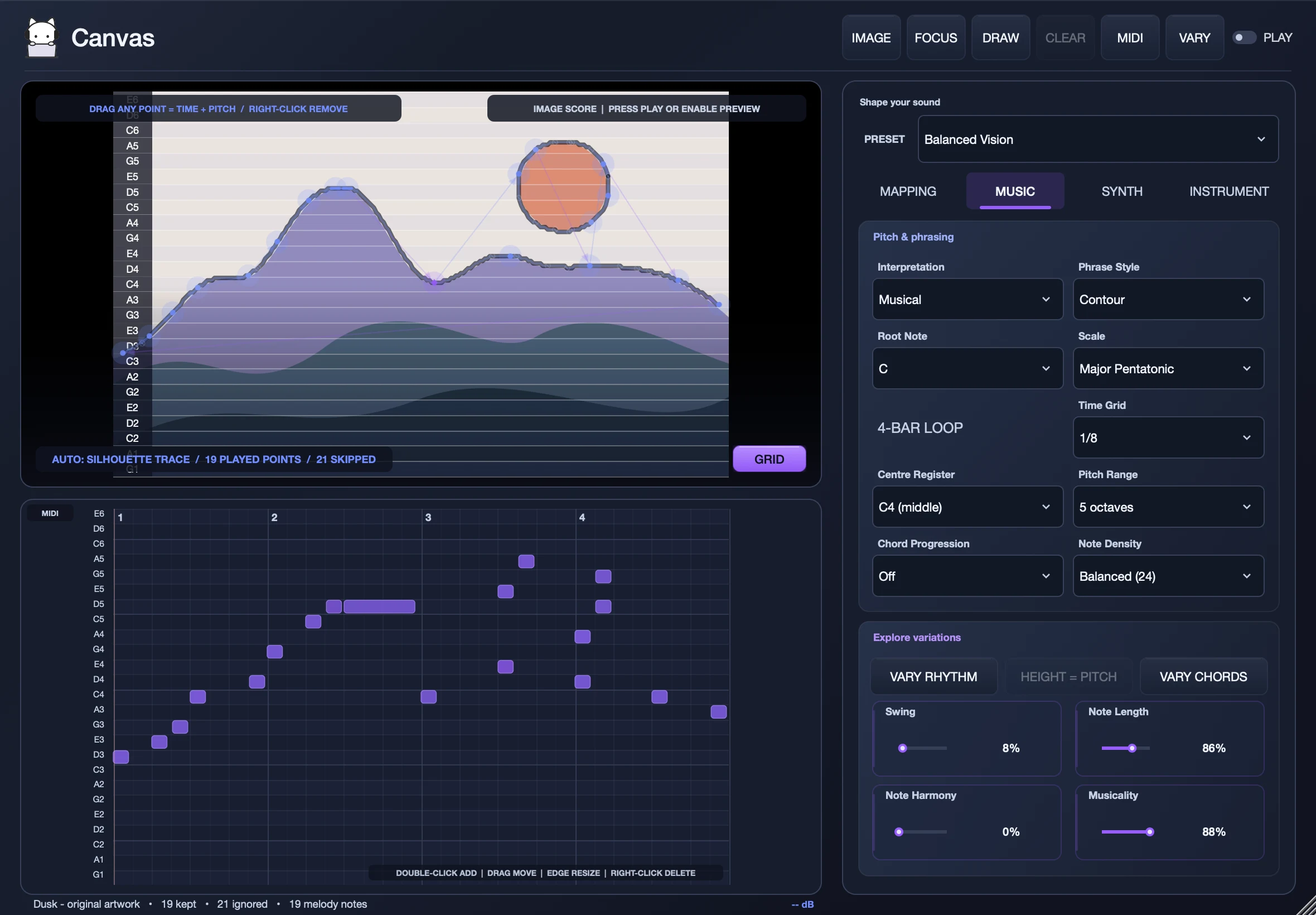

A picture becomes a phrase.
Points from your image, snapped to your musical grid.
↔ Time↕ Pitch
Canvas’s internal synth · two four-bar loops
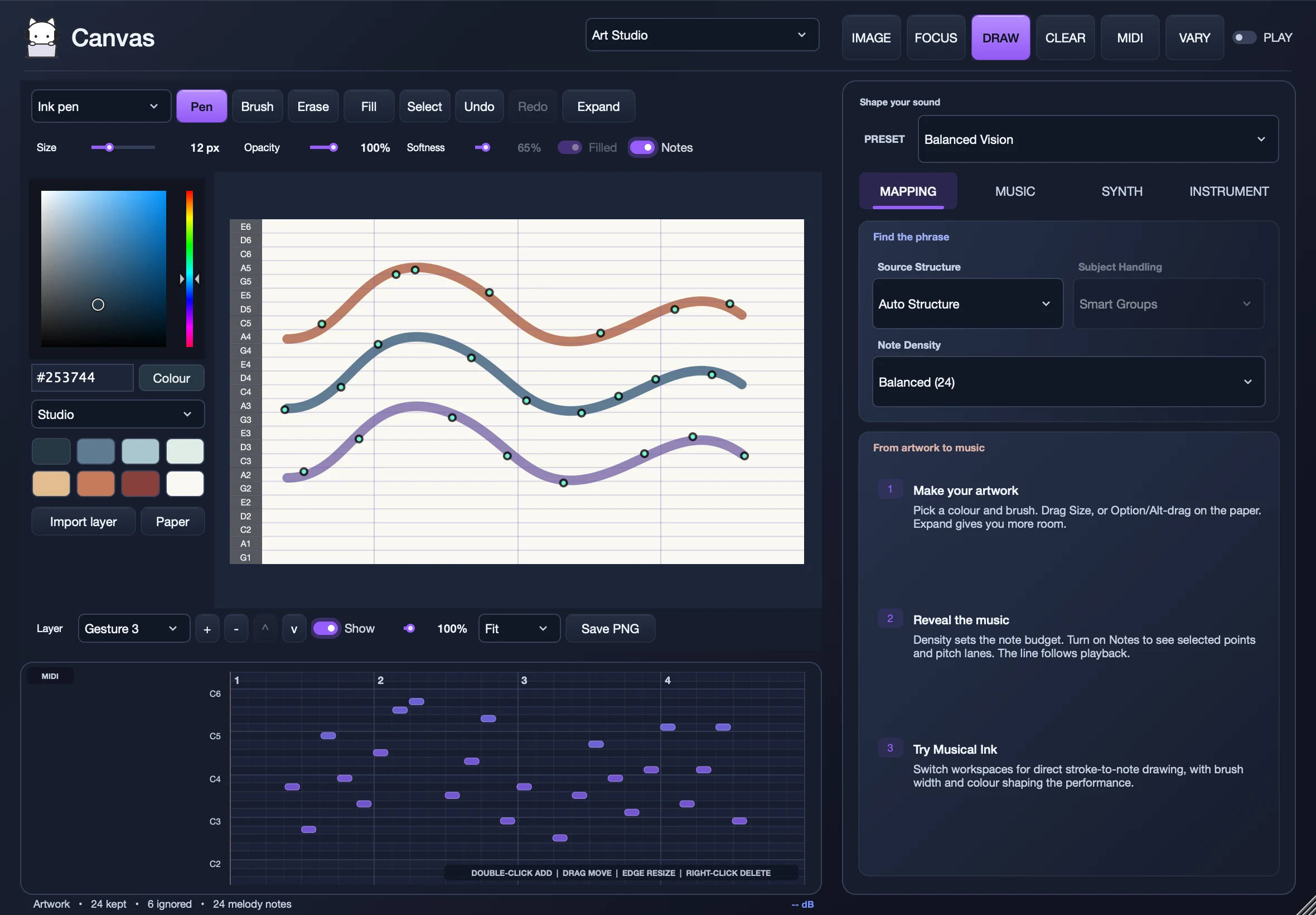
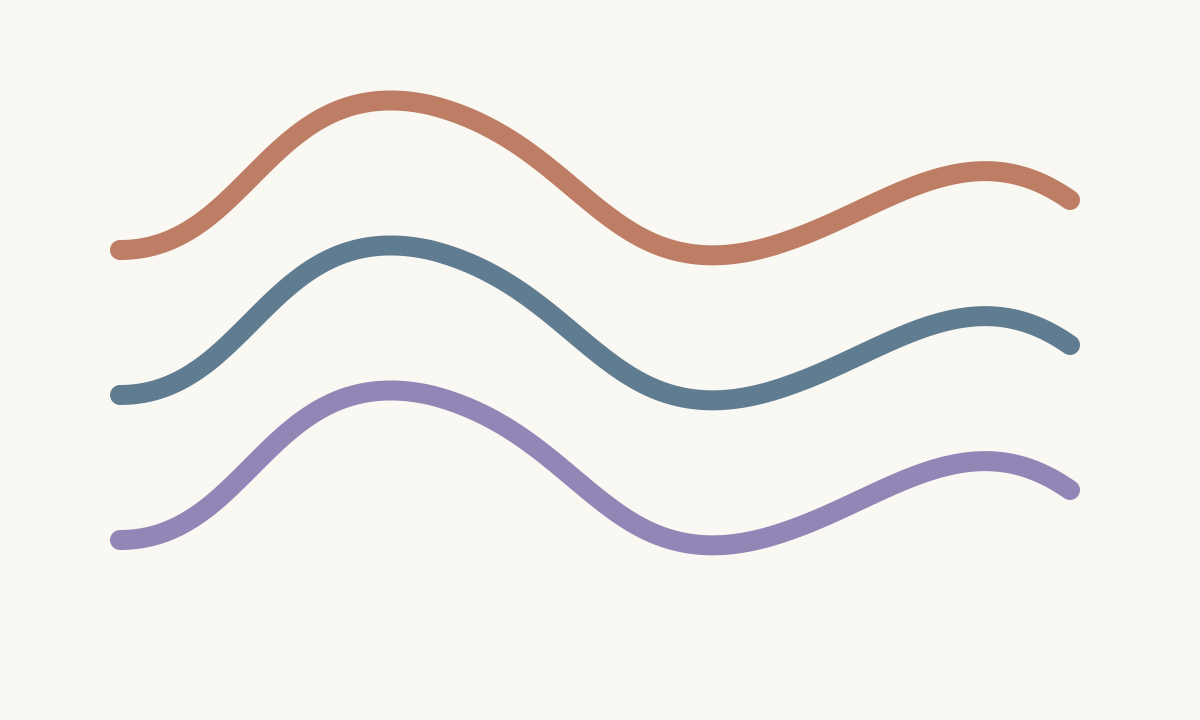
Draw your own starting point.
Brushes, colors, shapes, and layers. Make art. Explore its music.
◒ Art Studio〰 Musical Ink
Canvas’s internal synth · two four-bar loops
Original artwork. Recorded directly from Canvas.
Features
- Pictures
- Image to MIDI, Primary Subject, Smart Groups, All Structures, Note density
- Drawing
- Art Studio (brushes, shapes, fill, 8 layers), Musical Ink, Undo and redo, PNG export
- Music
- Root and scale, Pitch range, Chord progressions, Vary rhythm, Vary chords, Swing, Note length
- Sound
- Built-in synth, Your own virtual instruments, Layer mode
- Workflow
- MIDI export, Editable piano roll, Presets, Saved with your project